






Description
Product Overview
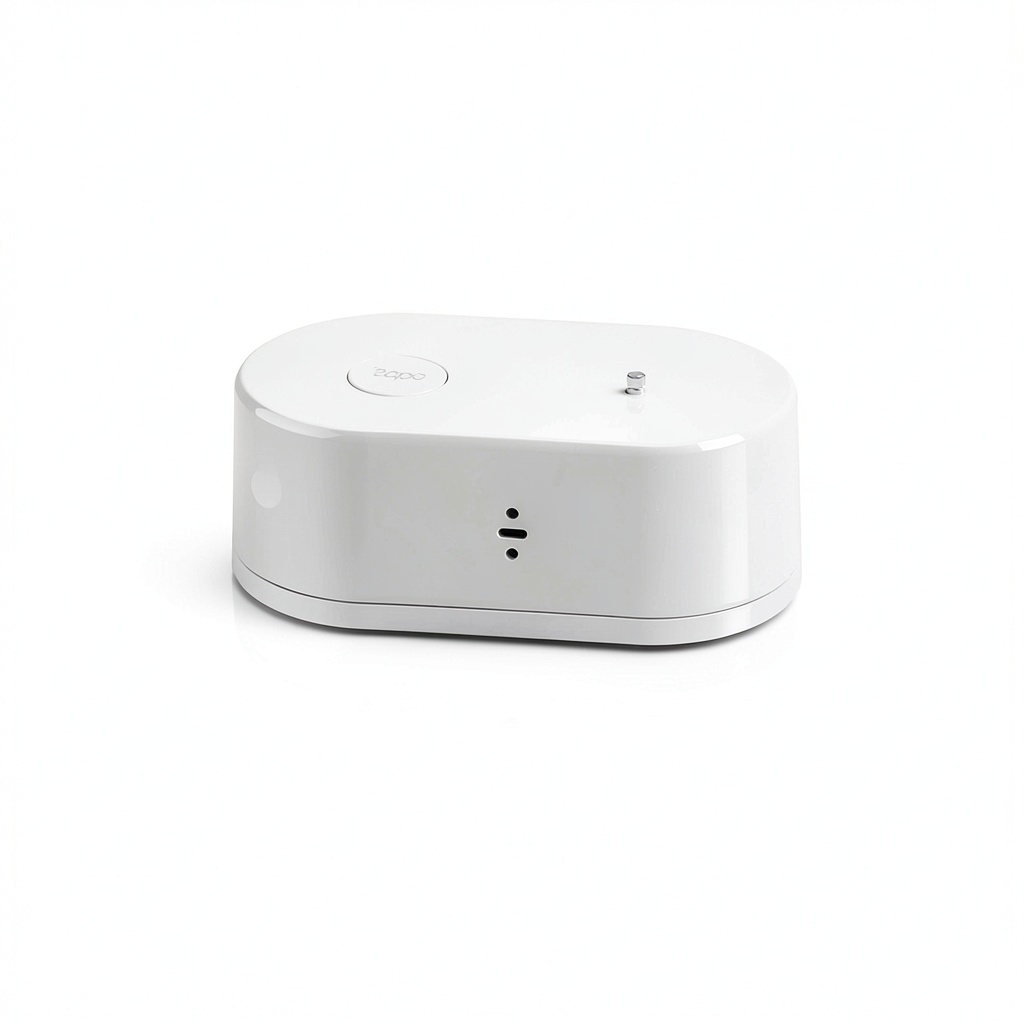
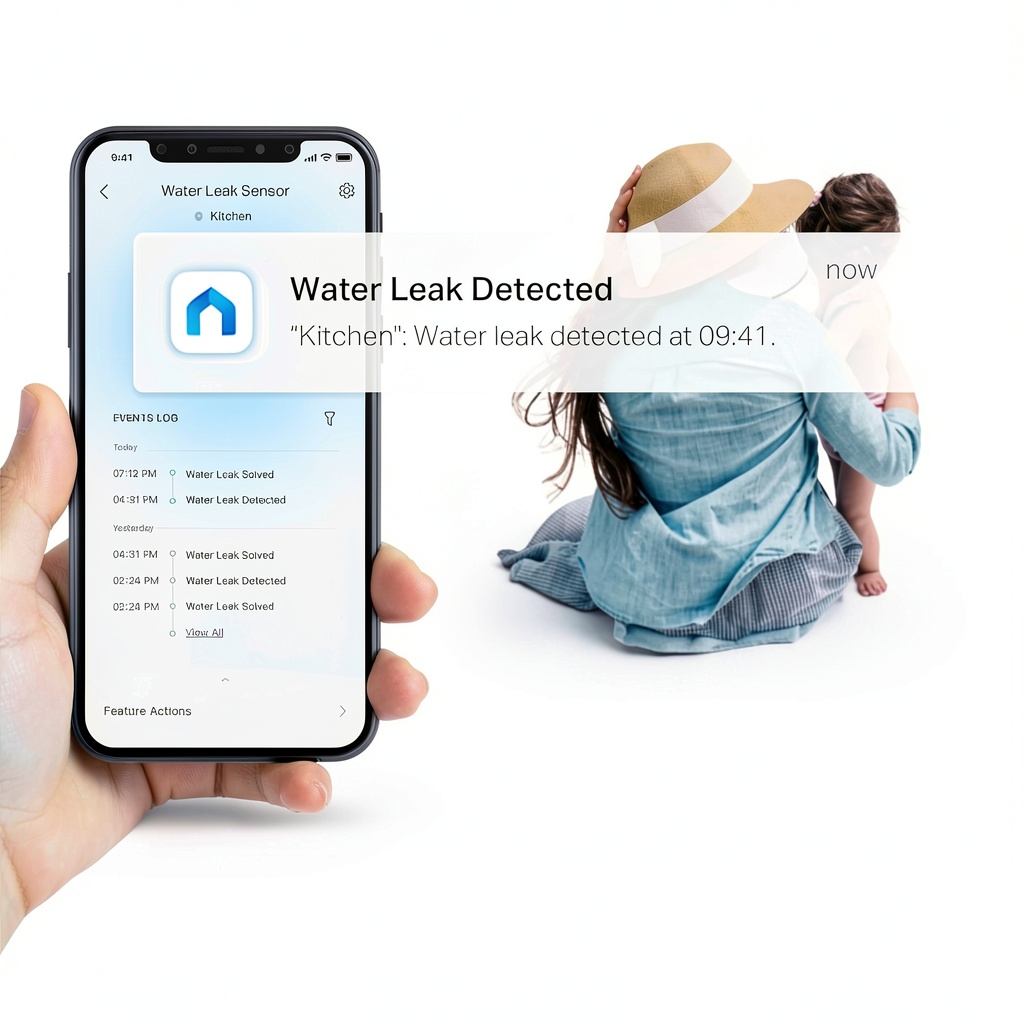
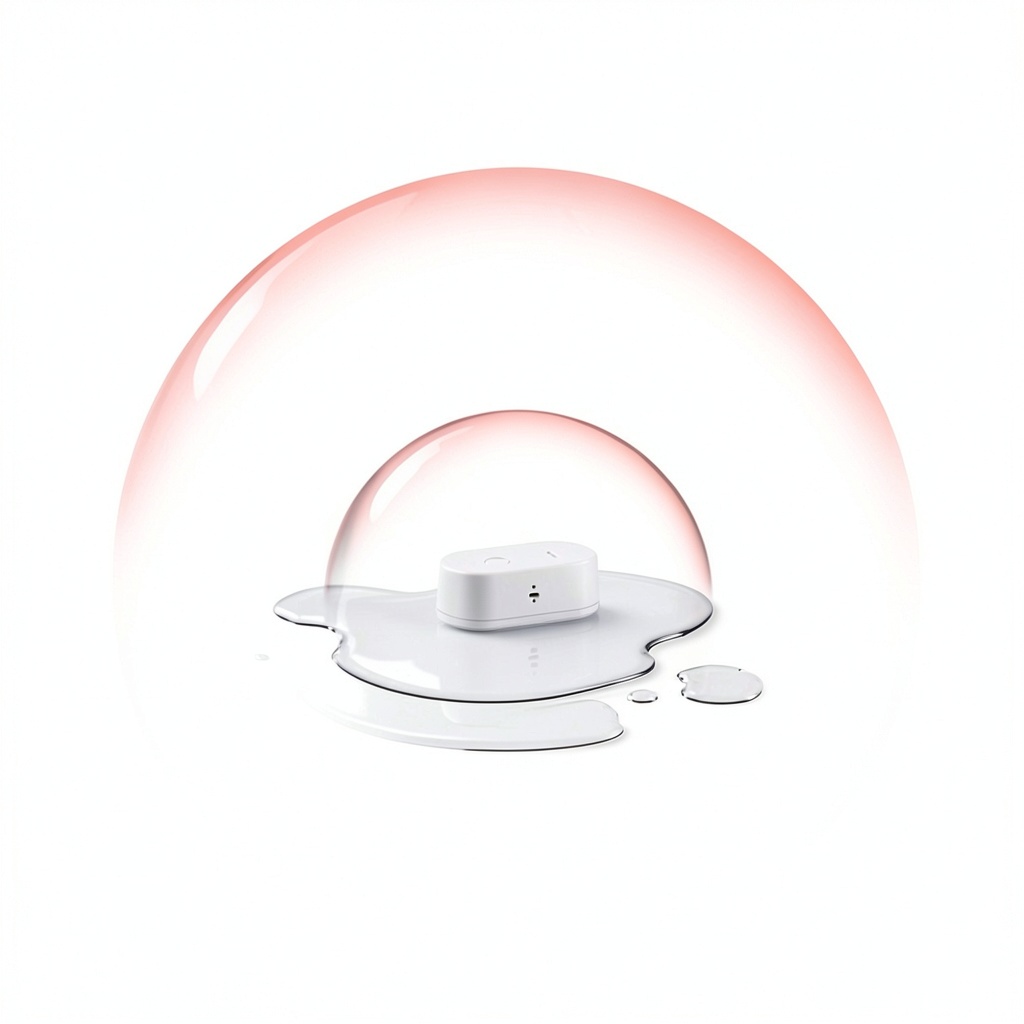
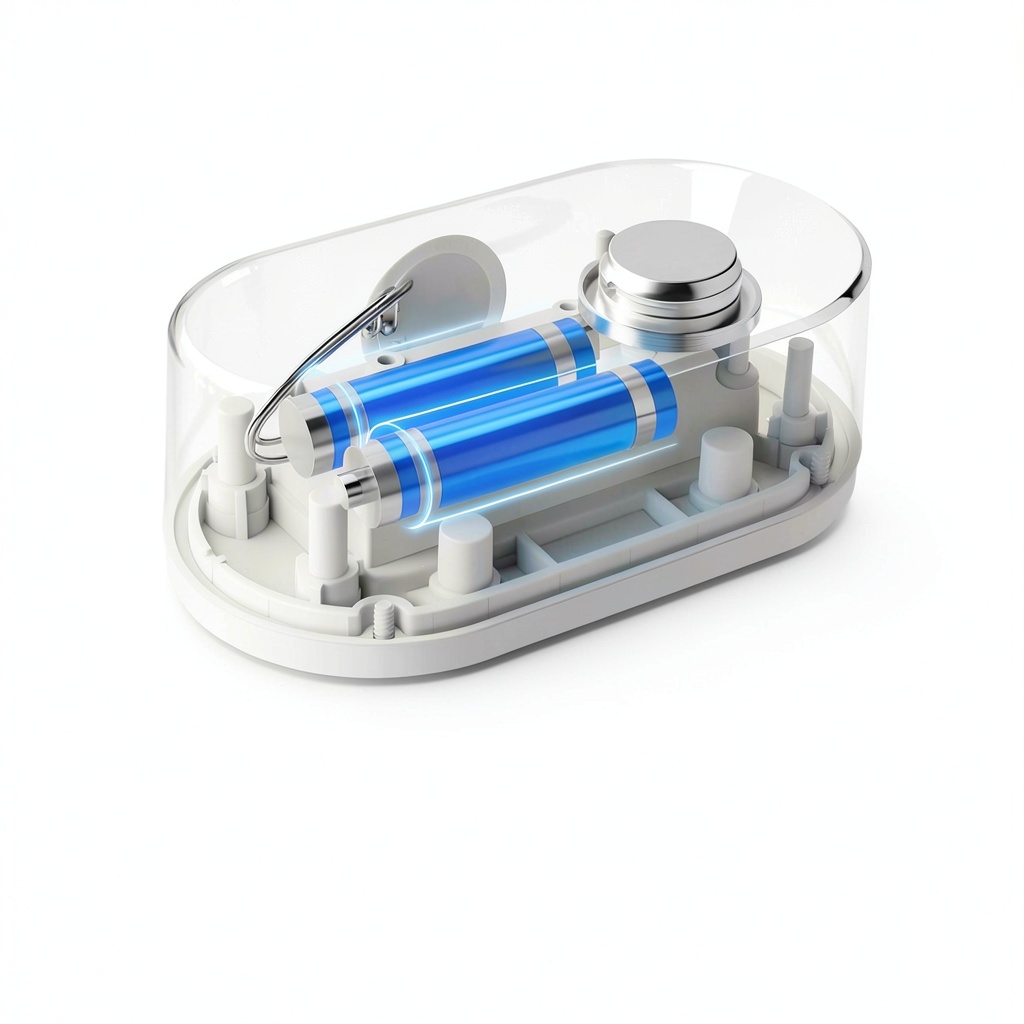
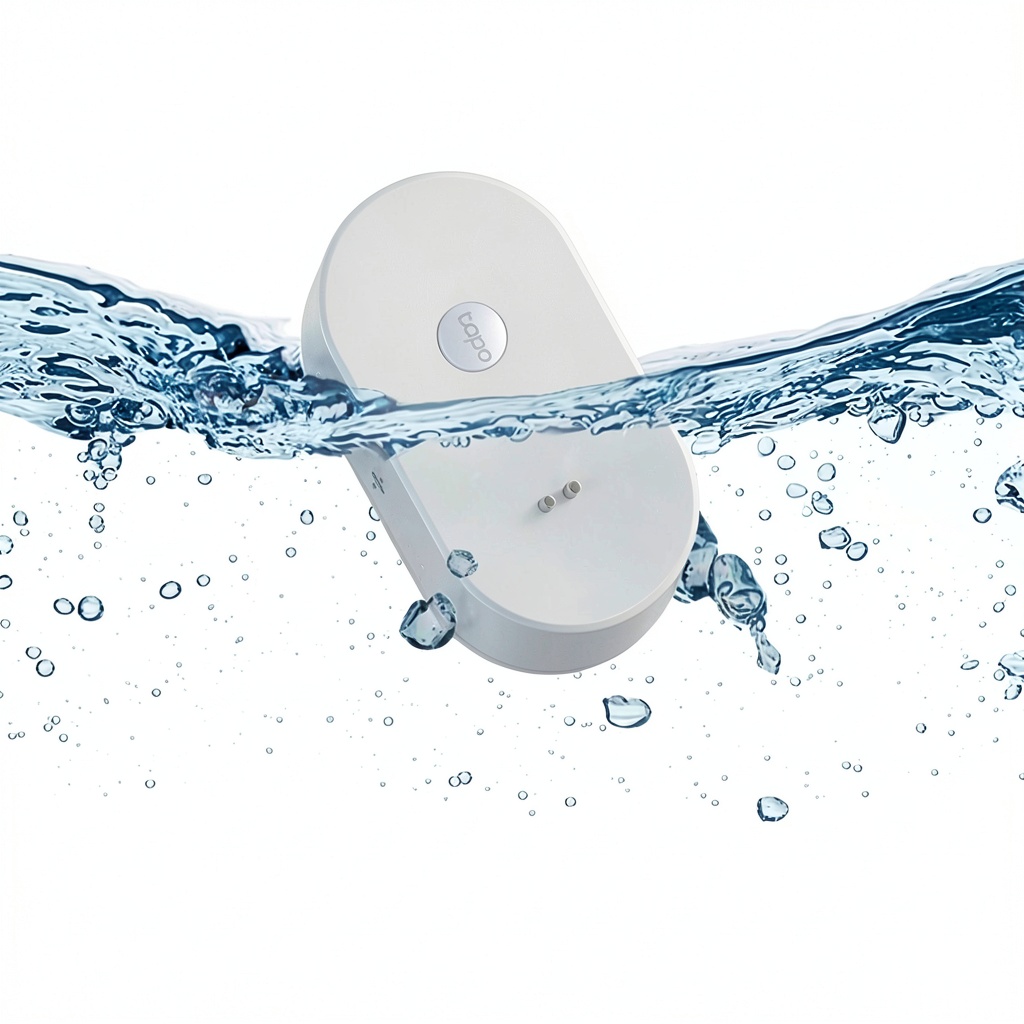
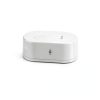
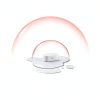
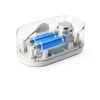
The TP-Link Tapo T300 water leak sensor is engineered to provide rapid and reliable protection against unexpected water intrusion in residential and light‑commercial environments. Designed with six highly sensitive contact sensor probes, the device can detect moisture on either side of the sensor within one second of exposure, triggering an audible 90 dB alarm that alerts occupants and draws immediate attention to the source of the leak. The compact tabletop form factor measures just 3.33 × 1.83 × 1.18 inches and weighs only 3.52 ounces, allowing it to blend discreetly into any setting while delivering powerful performance. Powered by two AAA lithium batteries, the T300 offers up to three years of continuous operation under typical usage conditions, eliminating the need for frequent battery changes and ensuring long‑term readiness. An IP67 rating guarantees resistance to both water and dust, making the sensor suitable for humid basements, kitchens, bathrooms, laundry rooms, and even outdoor utility boxes where moisture exposure is a concern. The device integrates seamlessly with the Tapo mobile application, providing real‑time notifications, battery status alerts, and remote silencing of the alarm from anywhere in the world. Users can also activate the sensor manually via a simple touch interface, offering flexibility for on‑site testing or temporary monitoring scenarios.
Beyond its core leak detection capabilities, the T300 incorporates a low‑power Bluetooth Low Energy (BLE) module that maintains a stable connection with the Tapo app on iOS and Android devices. The app provides a clear dashboard where users can view the sensor’s current status, battery level, and recent alert history. Firmware updates are delivered over‑the‑air, allowing the device to benefit from algorithm refinements and new features without requiring physical access. The sensor’s contact probes are calibrated to differentiate between minor humidity fluctuations and genuine water presence, minimizing false alarms while maintaining high sensitivity. The device also supports integration with popular voice assistants, enabling spoken notifications and the ability to query the sensor’s state through simple voice commands.
Installation is straightforward: the sensor arrives with two pre‑installed AAA lithium batteries and a quick‑start guide that walks users through positioning, pairing, and testing. No drilling or permanent mounting is required; the included tabletop base can be placed on any flat surface, while optional adhesive pads allow discreet placement on walls or under cabinets. The T300 is compatible with existing TP-Link Tapo ecosystems, meaning it can share alerts with other Tapo devices such as smart plugs or cameras, creating coordinated responses like turning off power to a water‑intensive appliance when a leak is detected. Its compact design and neutral color blend seamlessly into any décor, ensuring the device remains unobtrusive while delivering critical protection.
Real‑world testing of the T300 has shown consistent performance in a range of environments, from newly built homes with modern plumbing to older properties with aging pipework. In field trials, the sensor detected slow drips that would have otherwise gone unnoticed for weeks, allowing homeowners to intervene before water seeped into walls or flooring. The device’s ability to operate independently of mains power makes it an ideal choice for retrofit projects where wiring changes are impractical. Moreover, the sensor’s compact size means it can be discreetly positioned behind appliances or inside cabinets, providing covert monitoring without altering the aesthetic of the space. By combining fast detection, loud alerts, and remote notifications, the T300 delivers a comprehensive safeguard that complements other smart‑home security measures such as smoke detectors and motion sensors.
![[Product front view showing all components]](https://www.bentra.store/wp-content/uploads/2026/06/99d087ca07b24d2cad18c013deb311a1.jpg)
Usage
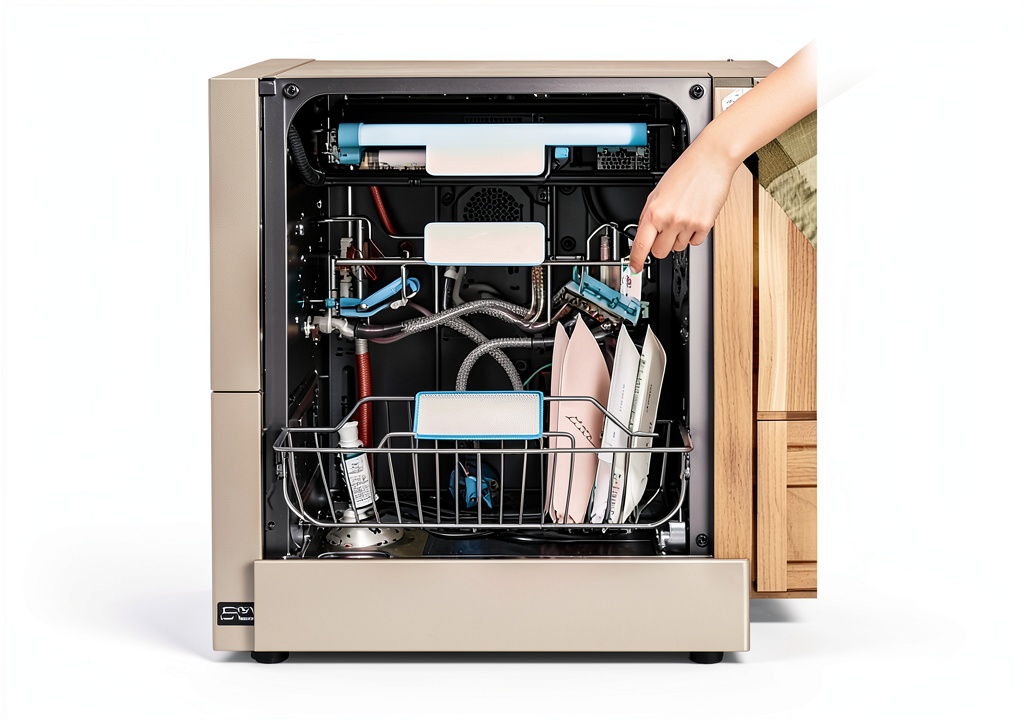
The T300 excels in a variety of everyday scenarios where water damage poses a hidden risk. In a kitchen, placing the sensor near the sink, dishwasher, or refrigerator water line enables early detection of leaks caused by faulty hoses or pipe bursts, protecting countertops and cabinets from costly repairs. In bathrooms, the device can be positioned under the bathtub, near the toilet base, or beside the vanity to monitor for seepage that could compromise flooring and sub‑floor structures. For basements and utility rooms, the sensor’s IP67 protection allows it to be installed close to sump pumps, water heaters, or washing machines, where it can sense slow drips or sudden floods and alert homeowners before water reaches electrical panels or stored items. The T300 also serves well in rental properties, vacation homes, and small office spaces, where remote monitoring via the Tapo app provides landlords and managers with peace of mind while away from the premises. Its tabletop mount design means it can be placed on shelves, countertops, or wall‑mounted brackets without permanent installation, offering a versatile solution for both temporary and permanent monitoring needs.
Beyond indoor applications, the T300 can be employed in outdoor sheds, garages, or greenhouse environments where irrigation systems may develop leaks. Its IP67 rating ensures that occasional splashes or dust exposure will not impair functionality, and the sensor’s battery‑powered operation eliminates the need for nearby power outlets. Users can set custom notification thresholds within the app, defining the number of sensor probes that must be triggered before an alarm is raised, which helps tailor sensitivity to specific locations. The device also supports integration with third‑party automation platforms via IFTTT, enabling actions such as sending SMS messages, turning on a secondary alarm, or logging events to a cloud spreadsheet for long‑term monitoring.
Advanced users can take advantage of the sensor’s customizable alert thresholds to fine‑tune sensitivity for specific locations. For instance, in a basement where humidity levels naturally fluctuate, you can set the sensor to require activation of at least two probes before an alarm is triggered, reducing the chance of false positives caused by condensation. The Tapo app also allows you to schedule quiet hours during which the audible alarm is muted, while still sending push notifications to your phone. This flexibility ensures that the sensor integrates smoothly into daily routines without causing unnecessary disturbances, while still providing the critical early warning needed to protect valuable assets.
Why Choose Us
Choosing the TP-Link Tapo T300 means investing in a brand with a proven track record of reliable smart‑home technology and dedicated customer support. TP-Link’s extensive ecosystem of connected devices ensures that the T300 can be integrated with existing Tapo hubs, smart speakers, and automation routines, allowing users to create customized alerts, trigger secondary actions such as shutting off water valves, or synchronize with other safety sensors for comprehensive home protection. Each unit undergoes rigorous quality testing to meet international standards for durability, performance, and safety, and the product is backed by a one‑year limited warranty that covers manufacturing defects. In addition, TP-Link provides responsive technical assistance through online resources, community forums, and direct support channels, helping customers troubleshoot installation, firmware updates, or connectivity issues quickly. The company’s commitment to continuous improvement means that firmware upgrades are released regularly, enhancing detection algorithms, reducing false alarms, and extending battery optimization features over the product’s lifespan.
TP-Link’s global support network provides multilingual assistance, ensuring that customers worldwide can receive help in their native language. The company maintains an extensive online knowledge base that includes step‑by‑step tutorials, video walkthroughs, and troubleshooting guides for common issues such as connectivity problems or battery replacement procedures. For enterprise customers, TP-Link offers bulk purchasing options and dedicated account managers who can assist with deployment planning and integration into larger building management systems. The T300’s firmware is regularly audited for security vulnerabilities, and updates are signed to prevent tampering, giving users confidence that their smart‑home ecosystem remains protected against emerging threats.
Key Features
- One‑second detection alerts you to leaks before damage spreads, giving you valuable time to act.
- Loud 90 dB alarm draws immediate attention, even in noisy environments, and can be silenced with a single touch.
- IP67 waterproof rating protects the sensor from moisture and dust, suitable for humid or dusty locations.
- Up to three years of battery life with two AAA lithium cells, reducing maintenance and ensuring long‑term reliability.
- Dedicated TP-Link support and regular firmware updates provide ongoing improvements and responsive assistance.
FAQ
How does the sensor detect water on both sides?
The T300’s dual‑side detection is achieved through six contact probes arranged in two groups of three, one set facing the front and the other the rear of the unit. Each probe consists of a pair of conductive pads that are separated by a small gap. When water bridges this gap, the sensor’s microcontroller registers the change as a leak event. Because the probes are mirrored on both sides, the device can sense moisture whether it contacts the front, back, or even the edges of the housing. The firmware applies a short debounce interval to confirm the signal, which eliminates spurious triggers caused by brief humidity spikes. Once confirmed, the sensor immediately activates the audible alarm and sends a push notification to the Tapo app, ensuring that users are alerted regardless of which side the water contacts. The sensor also logs the exact time of detection, which can be reviewed later in the app’s event history, helping users identify recurring problem areas and take preventive measures.
Can I integrate the sensor with other smart‑home devices?
The T300 is built to work within the broader TP-Link Tapo ecosystem, which means it can communicate with any Tapo hub or bridge that supports the latest firmware. Through the Tapo app, you can create automation rules that link the leak sensor to other smart devices such as plugs, lights, or cameras. For example, when a leak is detected, a rule can automatically turn off a connected smart plug that powers a washing machine, or trigger a Tapo camera to start recording the incident. The sensor also supports integration with popular voice assistants like Amazon Alexa and Google Assistant, allowing you to ask for the sensor’s status or receive spoken alerts. For users who prefer custom workflows, the device can be linked to IFTTT (If This Then That) services, enabling actions such as sending an email, posting to a Slack channel, or updating a Google Sheet whenever a leak event occurs.
What is the recommended placement for optimal performance?
The sensor should be placed on a stable, flat surface where water is most likely to accumulate, but it must also be positioned where the contact probes can make direct contact with any moisture that appears. Ideal locations include the floor beneath a sink, the base of a washing machine, the perimeter of a bathtub, or the area around a water heater. Avoid placing the device directly in a standing pool of water, as the IP67 rating protects against splashes and humidity but not full submersion. For best results, mount the sensor at a height of about 2 to 4 inches above the floor to catch rising water before it reaches valuable equipment. Ensure the surrounding area is free of debris that could obstruct the probes, and test the sensor after installation by using the built‑in test button to confirm that the alarm sounds and the app registers the event.
How often should I replace the batteries and how do I know when they are low?
The T300 is powered by two AAA lithium batteries that are rated for up to three years of continuous operation under normal monitoring conditions. Battery life can vary depending on factors such as temperature, frequency of leak events, and the number of push notifications sent. The sensor includes an internal battery‑monitoring circuit that reports the remaining charge to the Tapo app. When the battery level drops below 20 percent, the app sends a low‑battery alert to your phone, allowing you to replace the cells before the sensor stops functioning. Replacing the batteries is simple: open the battery compartment on the back of the unit, insert two fresh AAA cells with the correct polarity, and close the cover. TP‑Link recommends using high‑quality lithium AAA batteries for optimal performance and to avoid frequent replacements. If you live in a region with extreme temperatures, consider checking the battery status every six months, as cold weather can reduce capacity more quickly. Keeping spare batteries on hand ensures uninterrupted protection.
Is the sensor compatible with my existing home Wi‑Fi network?
The T300 connects to your home network using a standard 2.4 GHz Wi‑Fi connection, which is supported by virtually all modern routers. During the initial setup, the Tapo app guides you through selecting the Wi‑Fi SSID and entering the password, after which the sensor stores the credentials for automatic reconnection after power cycles or battery changes. The device does not require a dedicated IP address, but it does need a stable internet connection to send push notifications to the cloud. If your router uses a mixed‑mode network (both 2.4 GHz and 5 GHz), make sure the sensor is paired with the 2.4 GHz band, as the T300 does not support the 5 GHz frequency. For networks that employ MAC address filtering or captive portals, you may need to add the sensor’s MAC address (listed in the product specifications) to the allowed list or configure the portal to permit the device’s traffic.

 Acorn Cottage Press Teen Health Genetic Book Kindle
 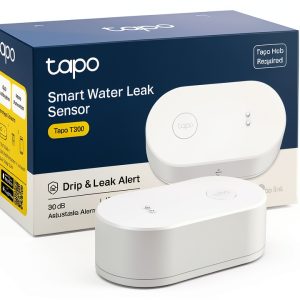 TP-Link Tapo T300 Water Leak Sensor with 3 Year Battery and 90dB Alarm
  NYU Press Kindle Book Juries Civil Law Procedure English
  Sears Parenting Library Book Revised Edition English
  Life Skill Handbooks Teen Health Parenting Guide Kindle
Reviews
There are no reviews yet.